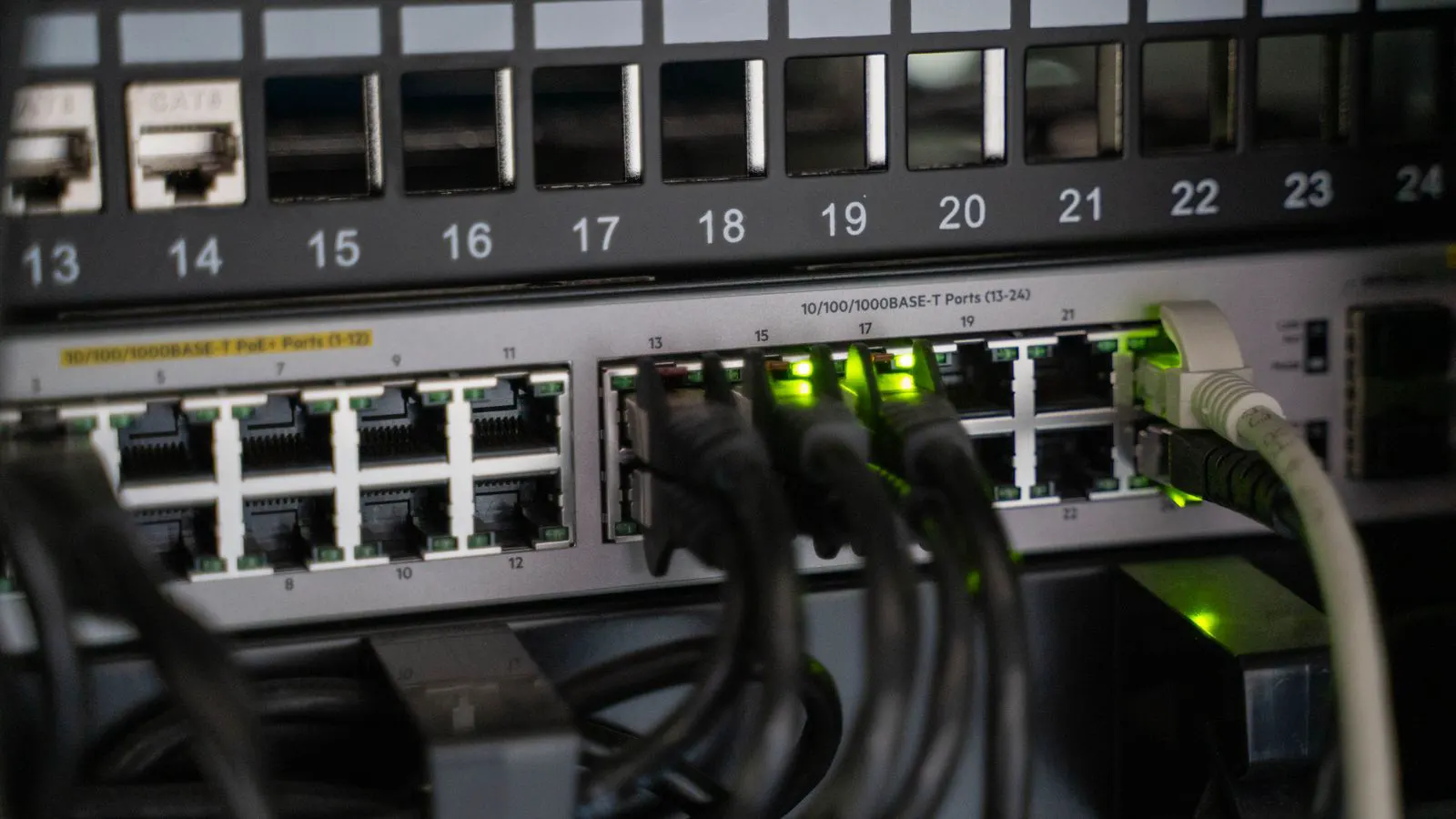
This guide provides a structured audit checklist to verify OCPP connectivity across your network. It covers physical layers, message validation, and operational monitoring to prevent gateway failures and ensure smooth communication between chargers and the central host.
- A functional OCPP setup requires matching versions between the charger, gateway, and host server.
- Physical layer checks must confirm stable TCP/IP connections and proper TLS certificate management.
- Message validation involves testing state changes, remote commands, and fault reporting at the gateway level.
- Operational monitoring should track message latency, reconnection logic, and heartbeat failures.
Why Connectivity Fails Before Hardware Does
Many infrastructure failures are not mechanical. They are logical. A charger may sit idle with a healthy power output because the gateway cannot translate a simple heartbeat message into a valid network packet. Or the host server may reject a session start because the message structure does not match the expected schema.
The OCPP protocol defines the rules for communication. It does not guarantee that the hardware implements them correctly. A gateway acts as a translator between the physical charging point and the logical network. If the translation fails, the site goes dark.
This checklist is designed for engineers and buyers who need to verify that their infrastructure meets the necessary OCPP connectivity requirements. It is structured to be used during pre-commissioning, after a network upgrade, or during routine maintenance. Each item includes a specific check and the red flags that indicate a deeper problem.
Physical Layer and Network Readiness
The foundation of OCPP connectivity is a stable network path. OCPP typically runs over TCP/IP, most commonly using port 8443 for secure connections. The physical layer includes cables, switches, routers, and the gateway hardware itself.
-
Verify IP Address Configuration
Confirm that the gateway and charger have static or correctly managed dynamic IP addresses. Avoid IP conflicts. Check that the gateway has a valid public or private IP that matches the host server’s expectations.
Red flag: The gateway requests an IP from a DHCP pool that expires quickly, or the IP changes after a reboot. -
Test TCP/IP Stability
Run a continuous ping test from the charger to the gateway and from the gateway to the host server. Look for packet loss or high latency spikes.
Red flag: Intermittent connectivity that resolves itself after a few minutes. This often points to a failing switch port or an overloaded network segment. -
Confirm Port Availability
Ensure that firewalls and routers are configured to allow outbound traffic from the gateway on the OCPP port. Inbound traffic should generally be blocked unless the host initiates the connection.
Red flag: The gateway shows a “connected” status in the local UI, but the host server logs show no incoming packets.
Version Alignment and Schema Validation
OCPP versions define the message structure. Mismatched versions cause immediate rejection. A charger running on OCPP 1.6 cannot send a message that a host running on OCPP 2.0.1 expects without a gateway that supports dual-version translation.
-
Audit the OCPP Version on All Nodes
Document the OCPP version of every charger, gateway, and host server. These versions must match or be explicitly supported by the translation layer.
Red flag: A mixed fleet where some chargers are OCPP 1.6 and others are 2.0, but the gateway only supports 1.6. -
Validate Message Schema
Test the gateway’s ability to parse and forward messages correctly. Check that mandatory fields are present and that data types match the specification.
Red flag: The host server rejects a message with a “schema validation error” code, even though the charger sends the same message successfully to a test server. -
Check for Deprecated Endpoints
Some older gateways route messages through deprecated endpoints. This can cause latency or silent failures.
Red flag: Messages appear in the gateway log but never reach the host server, and there are no error codes recorded.
Gateway Translation Logic
The gateway is not a passive router. It often handles protocol conversion, local caching, and authentication. The logic inside the gateway determines how messages are modified before transmission.
| Gateway Function | What to Test | Red Flag |
|---|---|---|
| Protocol Translation | Send a sample message from the charger and verify the structure at the host. | The host receives the message but fields are missing or misaligned. |
| Local Caching | Disconnect the host server and observe the gateway behavior. | The gateway crashes or deletes local session data. |
| Authentication | Verify that the gateway presents a valid TLS certificate to the host. | The host rejects the connection due to certificate chain errors. |
-
Test Protocol Translation Accuracy
Send aStartTransactionrequest from a test charger. Capture the message at the host server. Compare the structure to the OCPP specification.
Red flag: The host records the transaction, but the cost calculation fields are zero or null, indicating the gateway stripped the data. -
Verify Local Caching Behavior
Simulate a loss of connection to the host server. The gateway should store messages locally and replay them when the connection is restored.
Red flag: The gateway discards messages during a brief outage, causing the host to miss billing or usage data. -
Check TLS Certificate Management
Review the expiration date of the gateway’s TLS certificate. Ensure the host server trusts the certificate authority.
Red flag: The connection works but the host logs show a “certificate warning” or “self-signed certificate” alert.
Operational Monitoring and State Management
Once the connection is established, the infrastructure must maintain state. The host server relies on the gateway to report charger states, session updates, and faults accurately.
-
Monitor Heartbeat Intervals
OCCPP requires periodic heartbeat messages. Verify that the gateway sends these at the configured interval, typically every 300 seconds.
Red flag: The host server marks the charger as “offline” despite the gateway being powered and connected. -
Validate State Change Reporting
Trigger a state change on the charger, such as moving from “Ready” to “Charging.” Verify that theStartTransactionandStopTransactionmessages are sent with the correct state codes.
Red flag: The host server logs aStopTransactionbut the charger remains in a “Charging” state, leading to billing disputes. -
Test Fault Reporting
Induce a controlled fault on the charger, such as a thermal limit or a communication error. Verify that theFaultedstate is reported to the host.
Red flag: The charger goes silent after a fault, and the host server has no record of the error code.
Pre-Commissioning Verification Steps
Before handing over a new installation, perform a final audit. This step ensures that the system is ready for live traffic.
-
Run a Full Cycle Test
Start a transaction, charge a test vehicle, stop the transaction, and verify all messages in the host server logs.
Red flag: The transaction is recorded, but the energy data does not match the meter reading. -
Verify Time Synchronization
Ensure the gateway and host server use the same time source, typically NTP. Timestamp errors can cause billing and audit issues.
Red flag: The transaction timestamps differ by more than a few seconds between the charger and the host. -
Document the Configuration
Save a copy of the gateway configuration file and the list of active chargers. This serves as a baseline for future troubleshooting.
Red flag: The configuration is stored only in the gateway’s local memory and cannot be exported.
Common Misconfigurations to Avoid
Even with a good checklist, specific mistakes can sabotage connectivity. These are the most frequent issues encountered in the field.
- Firewall Rules Too Broad: Allowing all outbound traffic instead of restricting it to the OCPP port. This increases the attack surface.
- Incorrect Port Mapping: Routing OCPP traffic to a web server port instead of the dedicated OCPP port.
- Certificate Key Mismatch: Using a certificate that does not match the private key stored in the gateway.
- DNS Resolution Failure: The gateway cannot resolve the host server’s domain name, causing connection timeouts.
- MTU Mismatch: The network path has a smaller Maximum Transmission Unit than the gateway expects, causing large messages to be dropped.
Final Verification
The OCPP connectivity checklist is not a one-time task. It is a baseline. As your fleet grows and your network changes, the connectivity requirements will shift. New gateways, new host servers, or new charger models may introduce new variables.
Treat this checklist as a living document. Update it when you add new hardware or change your network topology. The goal is not just to get the lights on today, but to ensure the infrastructure remains reliable when the network is under load.
Verify the physical layer first. Then check the translation logic. Finally, confirm the operational monitoring. If each of these steps passes, your OCPP connectivity is in a strong position to support your charging infrastructure.
Frequently asked questions
What is the standard OCPP port number?
The standard port for secure OCPP communication is 8443. Some older or unencrypted setups may use 8443 or other TCP ports, but 8443 is the convention for TLS-secured connections.
Can I mix OCPP 1.6 and 2.0 chargers in the same network?
Yes, but only if your gateway supports protocol translation. The gateway must be able to convert messages from one version to the other. If the host server only supports one version, the gateway must translate all messages to match.
How often should heartbeats be sent?
The OCPP specification typically defines a default heartbeat interval of 300 seconds. However, you can configure this interval in the host server. It is critical that the gateway and charger are synchronized to the same interval.
What should I do if the gateway crashes after a firmware update?
Roll back to the previous firmware version. Document the error logs. If the issue persists, contact the gateway manufacturer with the logs. Do not flash a new version until the issue is resolved.
Is local caching always required in a gateway?
No, but it is highly recommended for critical infrastructure. Local caching ensures that messages are not lost during brief network outages. Without it, a short disconnect can result in missing billing data.